Relieving the workload on RAM during OsEngine operation.
Traders often encounter the problem of high RAM usage when trading with robots. In most cases, this happens due to incorrect server configuration and data connection settings in the robot. In this article, we will learn how to properly configure the server when connecting and data stream.
Proper server settings:
When connecting to the server, we see the following window:
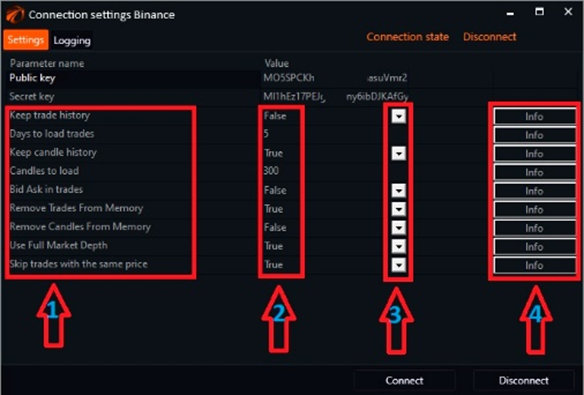
1. Setting name.
2. Modes.
3. Toggle buttons.
4. Buttons to read about the purpose of each setting and recommendations for enabling it.
Let's go into more detail.
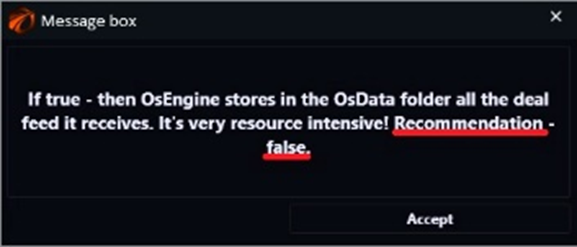
«Save trade history» - if you do not trade with horizontal volumes, set it to «false».
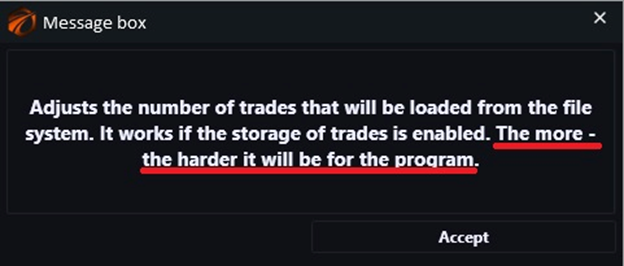
«Load trades for days» - works when the first setting is enabled. If it is turned off, leave it as is. If it is turned on, set the desired number of days for trading.
«Save candlestick history» - useful option if you trade on candlestick data. If not, disable it.
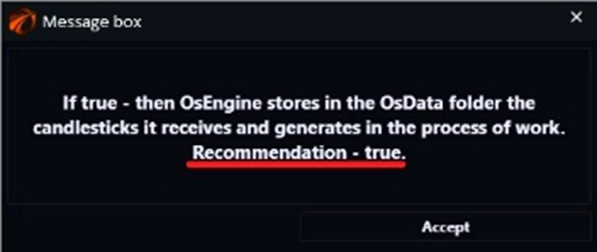
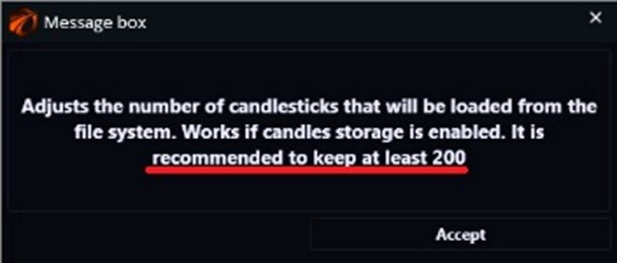
«Load candles» - works if candle storage mode is enabled (article on how to calculate the required amount correctly). If it is disabled, leave it as is. Memory usage here depends on the amount you set and the time frame (the smaller the time frame, the heavier the memory load).
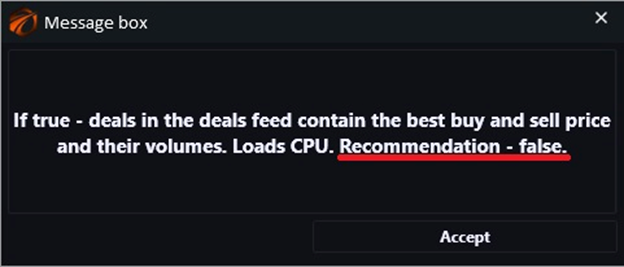
«Load bid/ask data into trades» - depends on the robot you are trading with. If your trading strategy does not take these data into account when opening and closing positions, do not enable it.
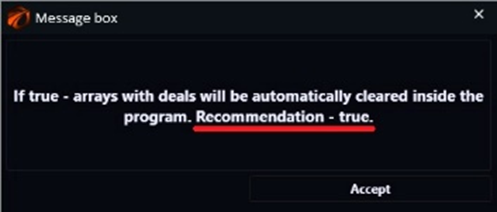
«Remove trades from memory» - if you trade on order book, set it to «false». If on candlesticks, set it to «true».
«Remove candles from memory» - if you trade on order book, set it to «true». If on candlesticks, set it to «false».
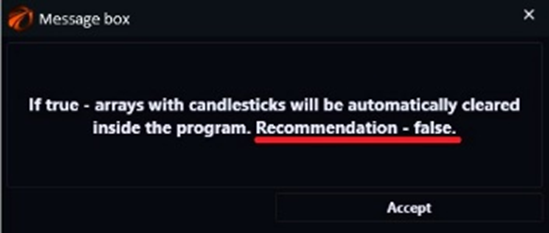
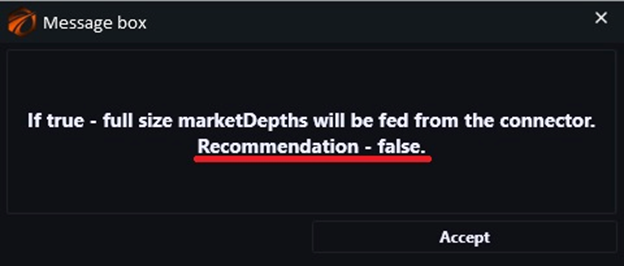
«Use full order book» - here again, you need to consider your trading strategy. If it requires viewing the entire order book, set it to «true». If not, set it to «false».
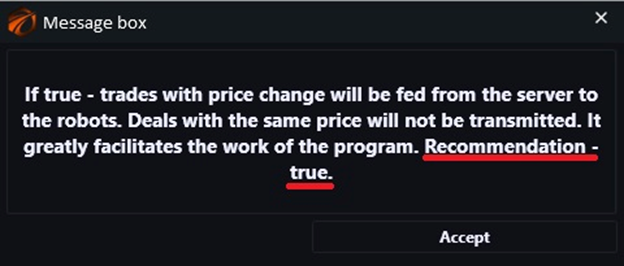
«Skip trades with the same price» - a very useful function that allows you to avoid cluttering memory with unnecessary (identical) data, make sure to enable it to «true»!
In general, if you trade on order book, disable everything related to candlesticks, and if on candlesticks, disable everything related to trades.
Happy trading!
If something doesn't work or you have questions, write to the support chat, link.