Overview of Events in BotTabScreener.

Similar to a simple tab, BotTabScreener provides a set of events through which streams of exchange information are received. Almost all events, as a second argument, pass a reference to the simple tab to which the data transmitted by the first argument belongs, to the handlers. You can learn more about each BotTabSimple event in the corresponding section.
public event Action<BotTabSimple> NewTabCreateEvent;Signals the successful connection of a simple tab to the screener. Passes a reference to the BotTabSimple object that was added. Suppose we need to receive an event in the screener about the successful connection of an instrument. We can subscribe to it differently.
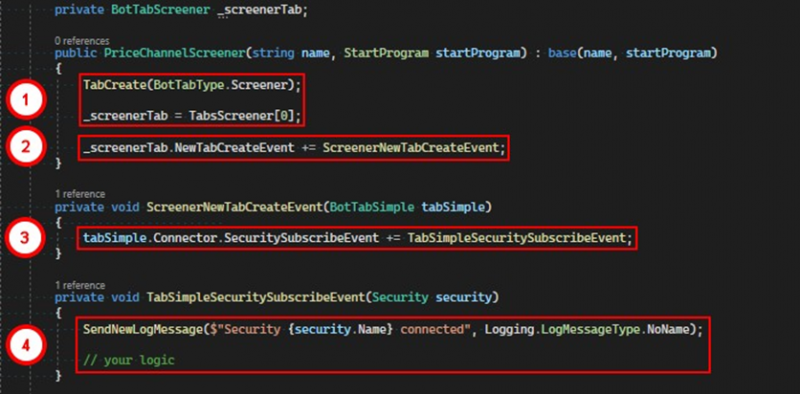
1. Create a screener-type tab and save a reference to it in a variable.
2. Set a handler for the NewTabCreateEvent.
3. In the handler for the successful addition of a simple tab event, use the Connector property to access the SecuritySubscribeEvent.
4. Receive a message about the successful completion of the instrument's subscription to data streams.
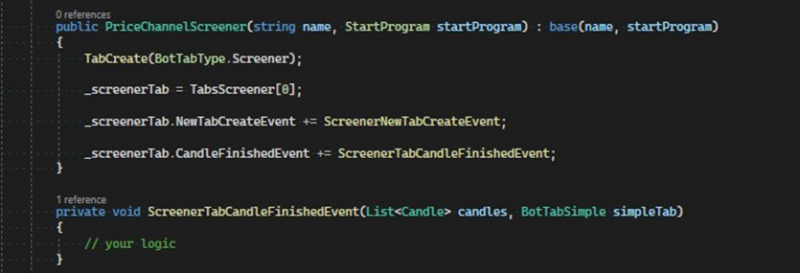
public event Action<List<Candle>, BotTabSimple> CandleFinishedEvent;This event signals the completion of the last candle in the series. It passes the list of all candles and the tab itself.
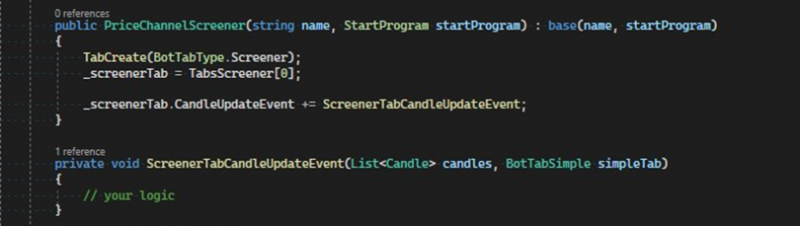
public event Action<List<Candle>, BotTabSimple> CandleUpdateEvent;The CandleUpdateEvent signals the update of the closing price of the last candle of the simple tab transmitted as the second argument. The handler is passed a list of available candles. The state of the last candle will be equal to CandleState.Started. After receiving the last trade for the time segment, the state changes to CandleState.Finished.
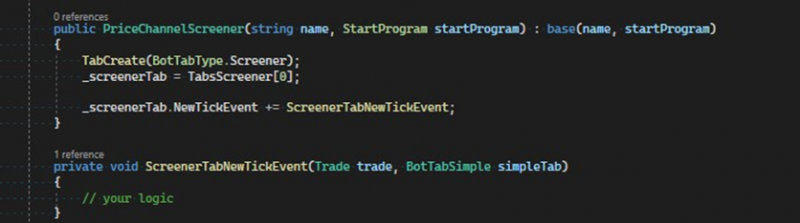
public event Action<Trade, BotTabSimple> NewTickEvent;The NewTickEvent signals the receipt of the next anonymized trade, which is described in the program by the Trade class.
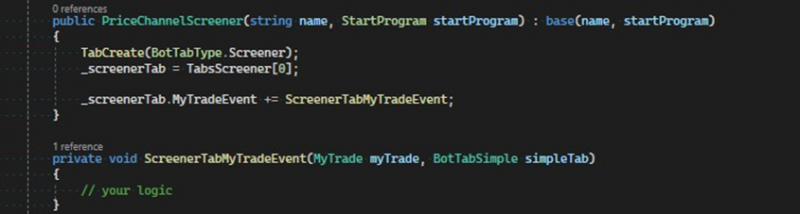
public event Action<MyTrade, BotTabSimple> MyTradeEvent;The event signals the receipt of a new deal on an order that belongs to the tab passed as the second argument.
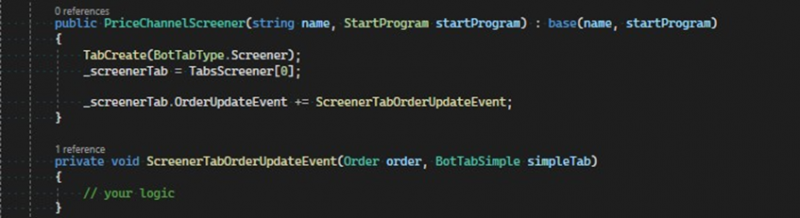
public event Action<Order, BotTabSimple> OrderUpdateEvent;The OrderUpdateEvent notifies of an update to the order details, passing a reference to the modified order and the simple tab to which this order belongs.
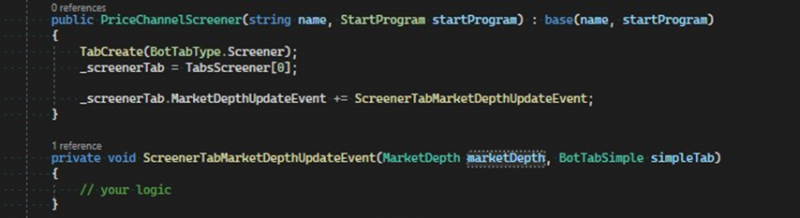
public event Action<MarketDepth, BotTabSimple> MarketDepthUpdateEvent;The MarketDepthUpdateEvent reports changes to the order book, passing a reference to the updated MarketDepth object and the tab that owns the transferred order book.
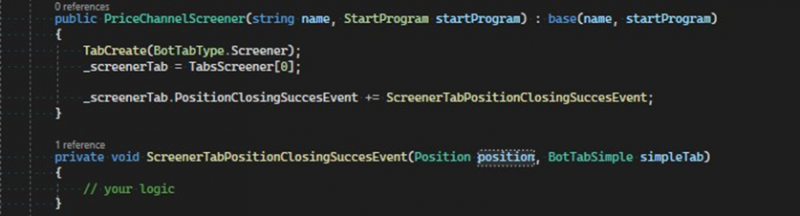
public event Action<Position, BotTabSimple> PositionClosingSuccessEvent;The PositionClosingSuccessEvent informs the robot about the successful closing of a position on one of the tabs. The closed position and the tab it belongs to are passed as arguments.
public event Action<Position, BotTabSimple> PositionOpeningSuccessEvent;This event signals the successful opening of a position in one of the tabs. It passes the position and the tab it belongs to as arguments. It is important to remember that the event is called immediately after the position state changes from Opening to Open, and this happens when receiving the first deal for the position's opening order. As a result, there may be a situation where the volume of the opening order is not fully filled, but the position will be in the PositionStateType.Open state.
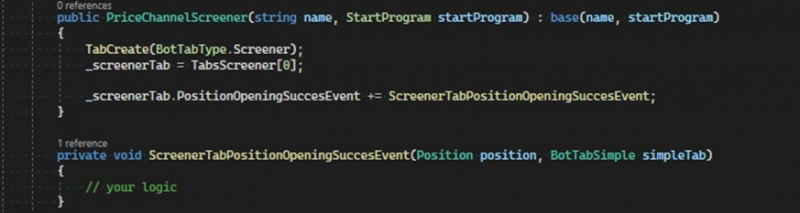
public event Action<Position, BotTabSimple> PositionNetVolumeChangeEvent;This event is triggered every time the open volume in the position changes. It passes the modified position and the tab it belongs to the handler.
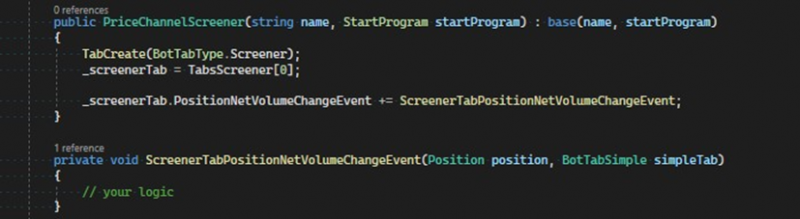
public event Action<Position, BotTabSimple> PositionOpeningFailEvent;This event reports an error in opening a position. Typically, this can arise for a number of reasons, for example, an order is placed during non-trading hours, insufficient funds in the account, loss of connection to the exchange, and others. The position and the tab it belongs to are passed as arguments.
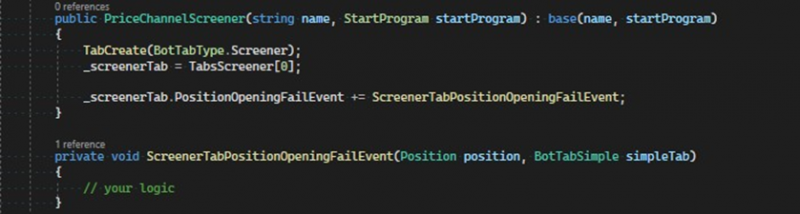
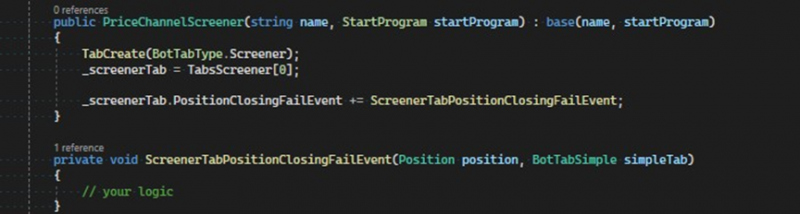
public event Action<Position, BotTabSimple> PositionClosingFailEvent;The PositionClosingFailEvent informs of a failed attempt to close a position.
Unlike problems with opening positions, a closing error can lead to a loss of funds, so this event is desirable to be used in every algorithm to promptly solve the problem. Reasons for closing position errors can range from external factors, such as: order execution errors, disconnection from the exchange; to actions of the robot – cancellation of the closing order. The event passes the problematic position and the tab it belongs to as arguments.
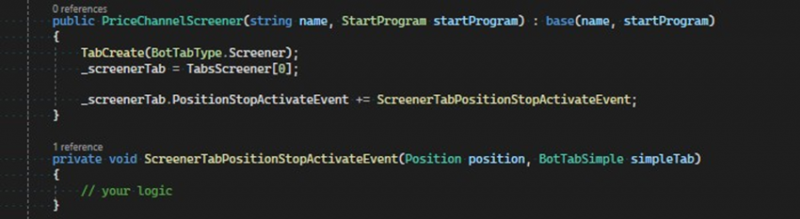
public event Action<Position, BotTabSimple> PositionStopActivateEvent;This event is triggered at the moment of stop-loss order activation for a position. It passes as arguments the position for which the stop was triggered and the tab it belongs to.
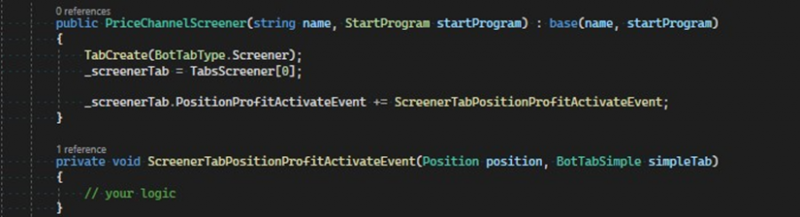
public event Action<Position, BotTabSimple> PositionProfitActivateEvent;The PositionProfitActivateEvent triggers when a profit order is activated for a position. It passes as arguments the position for which the profit was triggered and the tab it belongs to. It can be used for various scenarios, for example, to cancel related orders, to create reversal strategies.
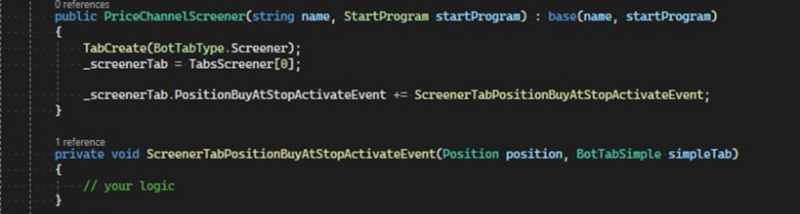
public event Action<Position, BotTabSimple> PositionBuyAtStopActivateEvent;This event signals the activation of a conditional buy order, created by BuyAtStop methods, as a result of which a new position is created. The created position and the tab it belongs to are passed as arguments.
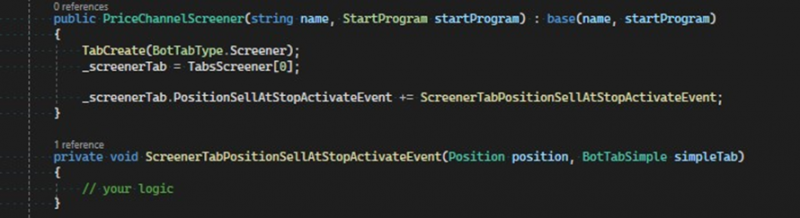
public event Action<Position, BotTabSimple> PositionSellAtStopActivateEvent;This event signals the activation of a conditional sell order, created by SellAtStop methods, as a result of which a new position is created. The created position and the tab it belongs to are passed as arguments.
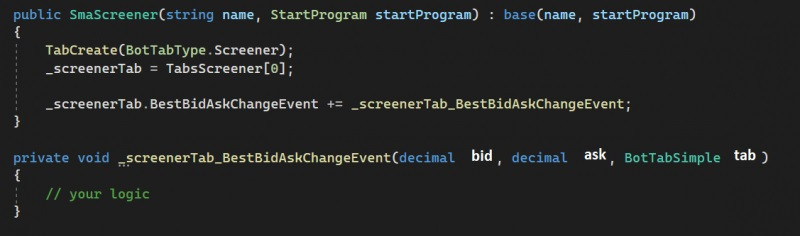
public event Action<decimal, decimal, BotTabSimple> BestBidAskChangeEvent;This event is triggered when either the bid or ask is updated from any of the sources in the screener. The arguments passed are the bid, ask, and the tab to which it belongs.
If you have any difficulties or questions, please write to the support chat. Link